The time clock your crew will actually use
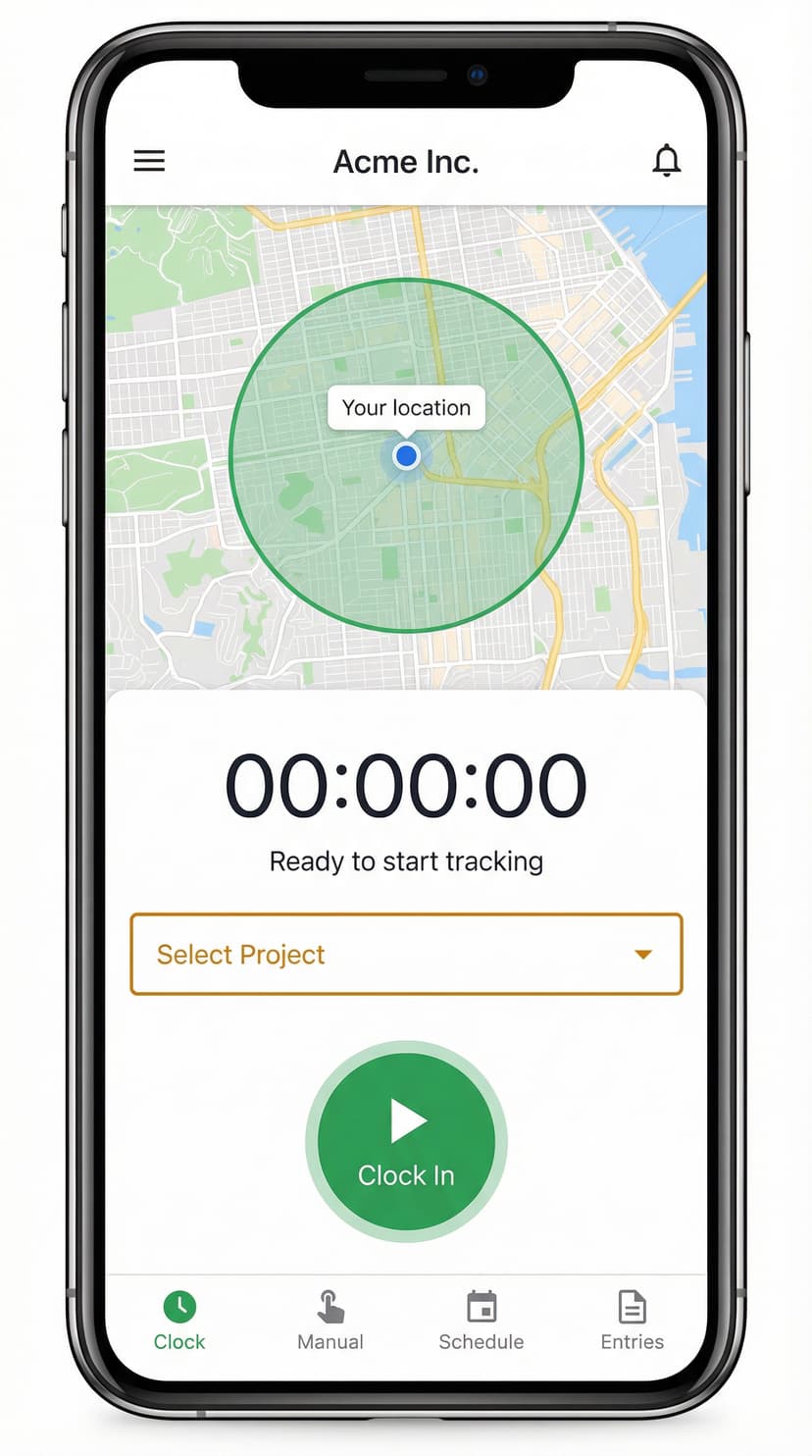
Your team clocks in from their phone. You get accurate hours, overtime alerts, and payroll-ready reports.
14-day free trial • No credit card required • Cancel anytime
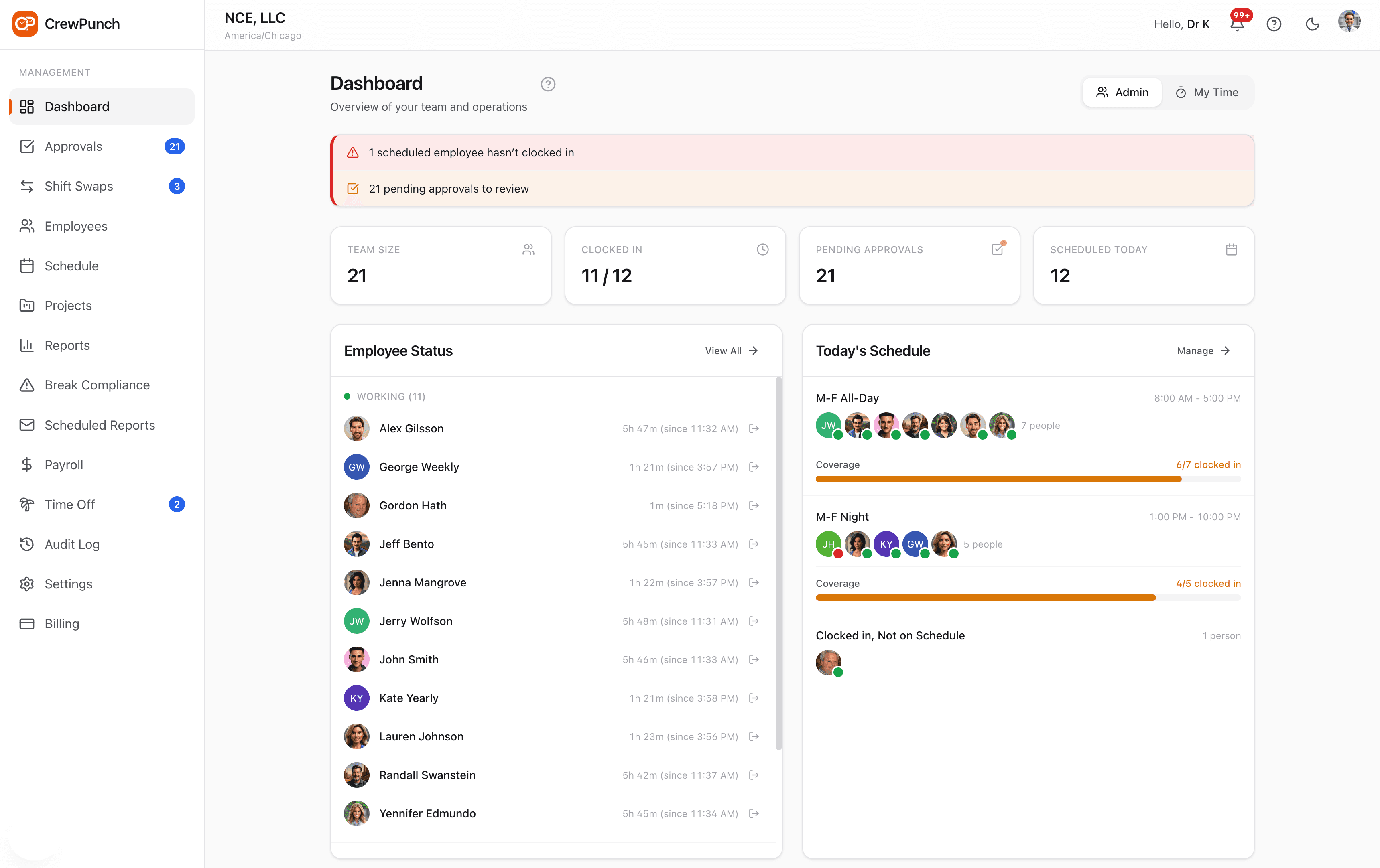
GPS Verified
On-site
Overtime Alert
38.5 hrs
Trusted by teams in every industry
Paper timesheets and manual tracking cost you hours every week
- Chasing employees for missing time entries
- Manual overtime calculations prone to errors
- No visibility into who's working where
- Payroll takes forever to process
- Compliance headaches with labor laws
Automated time tracking that runs itself
- Employees clock in with one tap on their phone
- Automatic overtime alerts before it happens
- Real-time GPS tracking on every punch
- Payroll reports ready in seconds
- Built-in compliance for California and other states
Everything you need to manage hourly teams
From clock-in to payroll export, CrewPunch has you covered.
One-Tap Time Clock
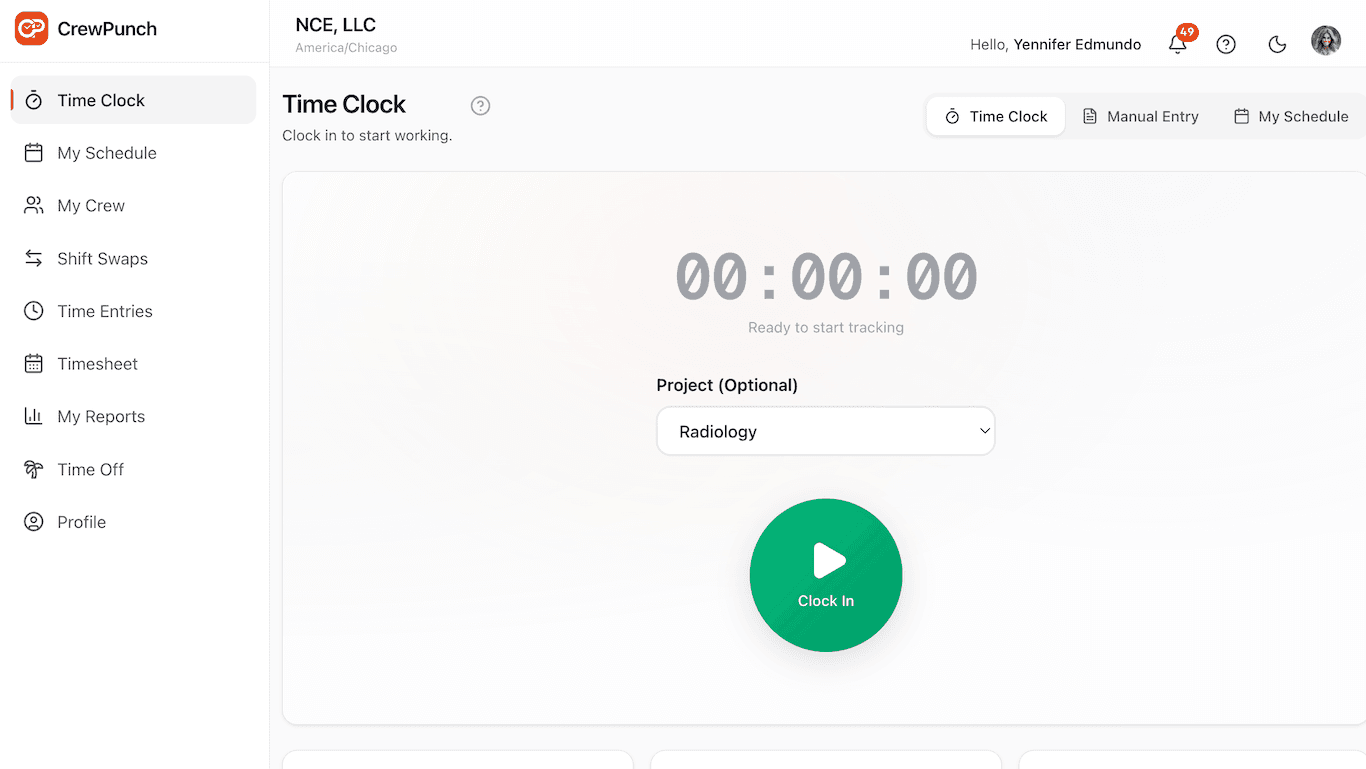
Employees clock in and out with a single tap. Works on any smartphone, tablet, or computer.
GPS Geofencing
Set up work sites and ensure employees can only punch when they arrive. Auto clock-out available.
Shift Scheduling
Create schedules in minutes, publish to your team, and let them swap shifts without hassle.
Overtime Alerts
Get notified before employees hit overtime. Set custom thresholds and stay in control of labor costs.
Payroll Reports
Export hours with overtime, breaks, and PTO automatically calculated. Ready for your payroll system.
Break Compliance
California meal and rest break tracking built-in. Attestations, alerts, and audit trails included.
Team Management
Organize employees by location, department, or manager. Delegate approvals and keep everyone aligned.
Time Off Tracking
Manage PTO requests, track balances, and handle approvals all in one place.
Kiosk Mode
Turn any tablet into a shared time clock. PIN login keeps it secure for the whole team.
Built for teams that work in the field
Whether you're running a construction crew, restaurant, or retail store, CrewPunch fits your workflow.

Construction
Track hours across multiple job sites. Geofencing ensures accurate location data for payroll.

Restaurants
Manage shift swaps, track breaks for compliance, and use kiosk mode for shared devices.

Retail
Schedule part-time staff, get overtime alerts, and export hours to your POS system.
Healthcare
Full audit trails for compliance. Track certifications and manage rotating schedules.
Up and running in 5 minutes
No training required. No complex setup. Your team will be punching in before their next shift.
Create your account
Sign up, set your timezone and overtime rules, and add your first work site.
Invite your team
Share your company code or send invite links. Employees join from their phone in seconds.
Start tracking
Your crew clocks in with one tap. You see hours in real-time and export reports instantly.
Simple pricing that scales with you
Start free. Upgrade when you need more features. No surprise fees.
Starter
For small teams getting organized
- Up to 10 users
- Clock in/out with GPS
- Payroll reports (CSV)
- Basic scheduling
- Time entry approvals
- State break compliance
Growth
For teams that need more control
- Everything in Starter
- Up to 50 users
- Excel payroll exports
- Geofencing (5 sites)
- PTO tracking & requests
- Admin roles (3 admins)
- Manager roles (5 managers)
- Scheduled email reports
- Full audit log
Business
For larger teams with complex needs
- Everything in Growth
- Up to 150 users
- Unlimited work sites
- Admin roles (15 admins)
- Unlimited managers
- Auto clock-out on geofence
- Project time tracking
- Priority support
All plans include a 14-day free trial. No credit card required.
Frequently asked questions
Do employees need to download an app?
How does GPS tracking work?
Can I export data to my payroll system?
How many users can I add?
What about state break compliance?
Can I try before I buy?
Ready to simplify your time tracking?
The easiest way to track hours for your hourly team. Try it free for 14 days.
14-day free trial • No credit card required • Cancel anytime